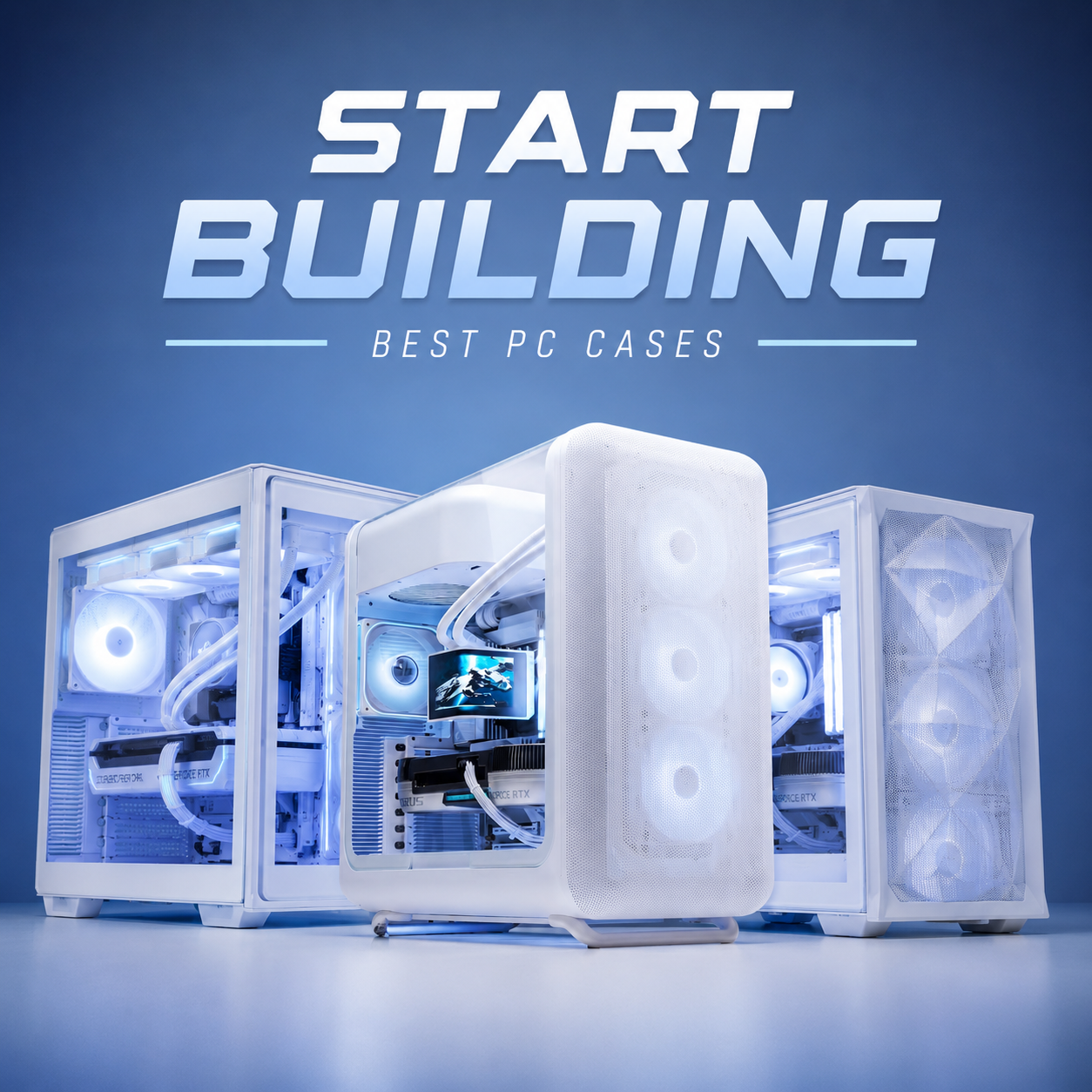
Lizard Intel Core i5 RTX 3060 12GB AI & Gaming Pre-built PC
| Processor | Intel Core i5-12400F |
| Graphics Card | RTX 3060 12GB (INNO3D Twin X2) |
| PC RAM | 32GB (2×16GB) DDR4-3200 CL16 |
| Storage | WD SN5000 1TB PCIe 4.0 x4 NVMe M.2 2280 SSD |
Assessment Summary
| Resolution | Rating |
|---|---|
| 1080p Competitive Gaming | 10/10 |
| 1080p AAA Gaming | 8.5/10 |
| 1440p AAA Gaming | 7/10 |
| Ray Tracing Gaming | 4/10 |
| AI / Local LLM | 9/10 |
| Content Creation | 8/10 |
Competitive Games
| Game | 1080p | 1440p |
|---|---|---|
| Counter-Strike 2 | High/Competitive: 180-300 FPS | 150-240 FPS |
| Valorant | Max: 250-400 FPS | 220-350 FPS |
| Fortnite | Performance Mode: 180-250 FPS | 140-200 FPS |
| Apex Legends | High: 120-170 FPS | Medium: 90-130 FPS |
| Rainbow Six Siege | Ultra: 220-300 FPS | Ultra: 170-240 FPS |
Modern AAA Games
The RTX 3060 is primarily a High settings 1080p card in 2026.
| Game | Recommended Setting | Expected FPS |
|---|---|---|
| Cyberpunk 2077 | High + DLSS | 65-85 FPS |
| Black Myth: Wukong | Medium + DLSS | 50-65 FPS |
| Alan Wake 2 | Medium + DLSS | 45-60 FPS |
| Starfield | Medium | 55-70 FPS |
| Hogwarts Legacy | High | 60-80 FPS |
| Red Dead Redemption 2 | High | 70-90 FPS |
| Forza Horizon 5 | Ultra | 80-110 FPS |
| Marvel's Spider-Man 2 | High + DLSS | 60-80 FPS |
| Indiana Jones and the Great Circle | Medium | 45-60 FPS |
Where You Should Avoid Ultra Settings
A lot of sellers advertise "Ultra gaming" because technically the game launches. Realistically, these titles require lowering settings:
| Game | Recommended |
|---|---|
| Black Myth: Wukong | Medium + DLSS |
| Alan Wake 2 | Medium |
| Cyberpunk 2077 | High + DLSS |
| S.T.A.L.K.E.R. 2 | Medium |
| Microsoft Flight Simulator 2024 | Medium |
| Kingdom Come: Deliverance II | Medium |
Ray Tracing Reality
This is where many sellers oversell the RTX 3060.
| Game | Reality |
|---|---|
| Cyberpunk RT Ultra | Not recommended |
| Alan Wake 2 RT | Not recommended |
| Path Tracing | Not practical |
| RTX Remix Mods | Mostly not practical |
| Moderate RT + DLSS | Playable in some games |
The RTX 3060 supports ray tracing features, but in practical gaming terms, it should primarily be considered a rasterization GPU with optional light RT usage.
AI Reality
This is actually where the RTX 3060 becomes very interesting:
| Workload | Experience |
|---|---|
| 7B LLMs | Excellent |
| Stable Diffusion | Excellent |
| Flux Schnell | Good |
| ComfyUI | Excellent |
| Ollama | Excellent |
| Blender GPU Render | Good |
| Video Editing | Very Good |
| 13B LLMs | Limited/Quantized |
| 30B+ Models | Not practical |
The 12GB VRAM is the main reason the RTX 3060 remains relevant in 2026.
Can This Play Every Game On Ultra
The honest answer is:
No.
In 2026, the RTX 3060 12GB should be viewed as:
- An excellent 1080p High settings GPU
- A good 1440p Medium/High settings GPU
- A poor ray tracing GPU
- An excellent budget AI and content creation GPU
Its biggest strength is not maximum FPS; it's providing a balanced combination of gaming performance, VRAM capacity, AI capability, and productivity features without requiring a significantly higher system budget.
Why We Selected The RTX 3060 12GB (INNO3D Twin X2)?
The RTX 3060 remains one of the few mainstream graphics cards to offer 12GB of GDDR6 memory on a 192-bit memory interface.
While newer entry-level GPUs may deliver similar gaming performance, many utilize 8GB VRAM configurations and narrower memory buses, which can become limiting factors in:
- Local AI inference workloads
- Stable Diffusion image generation
- Blender rendering
- Video editing
- Texture-heavy modern games
- Future software workloads
The RTX 3060's memory subsystem provides approximately 50% greater memory capacity than many mainstream alternatives, making it particularly suitable for users who require a balance between gaming and productivity workloads.
Why We Selected The Intel Core i5-12400F?
The Core i5-12400F was selected because its 6 Performance Cores and 12 Threads provide sufficient compute performance to fully support the RTX 3060 in the vast majority of gaming scenarios while maintaining excellent productivity capability.
Our testing indicates that moving to higher-tier processors typically increases total platform cost by 25–50%, while gaming performance improvements remain comparatively small in GPU-limited scenarios such as 1440p gaming.
The processor also benefits from:
- Strong single-thread performance
- Low power consumption
- Excellent thermal characteristics
- Long-term reliability
- Mature motherboard ecosystem
Why We Selected The MSI PRO B660M-A WiFi DDR4?
Motherboard selection is often overlooked, despite having a significant impact on system stability and upgrade potential.
The MSI PRO B660M-A WiFi DDR4 was selected because it offers several engineering advantages over entry-level H610 platforms:
Superior VRM Design
The motherboard features a substantially stronger VRM implementation than most budget alternatives, allowing:
- Lower VRM temperatures
- Better sustained CPU boost behavior
- Greater long-term reliability
- Support for future higher-performance processors
PCI Express 4.0 Support
The platform provides full PCIe 4.0 support for both:
- Graphics card bandwidth
- NVMe storage devices
Although the RTX 3060 does not fully saturate PCIe 4.0 bandwidth, utilizing a PCIe 4.0 platform ensures compatibility with future GPU upgrades.
Better Expansion Capability
Compared to entry-level chipsets, the B660 platform provides:
- Additional M.2 storage slots
- More USB connectivity
- Integrated WiFi
- Improved I/O flexibility
- Better upgrade support
Why We Selected The 32GB (2×16GB) DDR4-3200 CL16?
Memory selection was based on both performance characteristics and platform efficiency.
Intel's 12th Generation processors officially support DDR4-3200 operation, making 3200 MT/s CL16 the optimal operating point for this platform.
Choosing faster memory frequencies often results in:
- Minimal gaming performance gains
- Increased memory controller stress
- Higher platform cost
Meanwhile, slower memory speeds reduce available memory bandwidth.
The selected DDR4-3200 CL16 kit provides:
- Approximately 51.2 GB/s total memory bandwidth in dual-channel operation
- Full compatibility with Intel's memory controller specifications
- Excellent stability under sustained workloads
- Low latency performance characteristics
Why We Selected 32GB Instead of 16GB
Many gaming PCs prioritize RGB components and premium branding while limiting system memory capacity.
Our workload analysis showed that increasing memory capacity from 16GB to 32GB provides measurable benefits for:
- Local AI inference
- Video editing
- Content creation
- Modern AAA games
- Multitasking
- Virtual machines
For productivity-oriented systems, increasing capacity often provides greater real-world benefits than investing in premium high-frequency memory kits.
Why We Selected The WD SN5000 1TB PCIe 4.0 x4 NVMe M.2 2280 SSD?
Storage performance was selected based on practical performance characteristics rather than peak benchmark numbers.
The WD SN5000 provides:
- PCIe 4.0 x4 bandwidth
- Read speeds exceeding 5 GB/s
- Excellent endurance characteristics
- Strong thermal efficiency
- Consistent sustained performance
While flagship SSDs may advertise significantly higher sequential speeds, the observed improvement in gaming load times and general desktop responsiveness is typically much smaller than the specification differences suggest.
Why We Selected The Thermalright Aqua Elite 240 V6 ARGB 240mm AIO Liquid CPU Cooler?
The Core i5-12400F is not a particularly high-power processor, but maintaining thermal headroom improves sustained boost behavior and acoustic performance.
Compared with standard air coolers, the selected 240mm liquid cooler offers:
- Lower sustained operating temperatures
- Reduced fan noise under load
- Improved thermal stability
- Additional upgrade capacity for future processors
Why We Selected The Thermalright TB-650S 650W 80 PLUS Bronze Non-Modular PSU?
System power consumption was calculated using measured workload data rather than manufacturer recommendations.
Typical system power consumption remains significantly below the power supply's rated output, providing:
- Higher efficiency operation
- Lower fan speeds
- Reduced internal temperatures
- Improved component longevity
- Additional upgrade capacity
Operating a power supply below its maximum rated output generally improves both efficiency and long-term reliability.